
Logitech G RS50 is the NEW 8 NM direct drive steering wheel!
The Logitech G RS50 is the mid-range Direct Drive bet to compete with the Fanatec DD Pro. A base that pushes with a more powerful and precise motor than the classic G29, G923 or G920 gears/belts.
Basic characteristics:
- Force feedback direct drive of 8 Nm. the same as the Fanatec DD Pro.
- Price of the base 399$ for PC and 499$ if you want it for PC and Playstation.
RS50 vs G923: from gears to Direct Drive, far superior precision and strength; load cell pedals (optional RS) change braking completely.

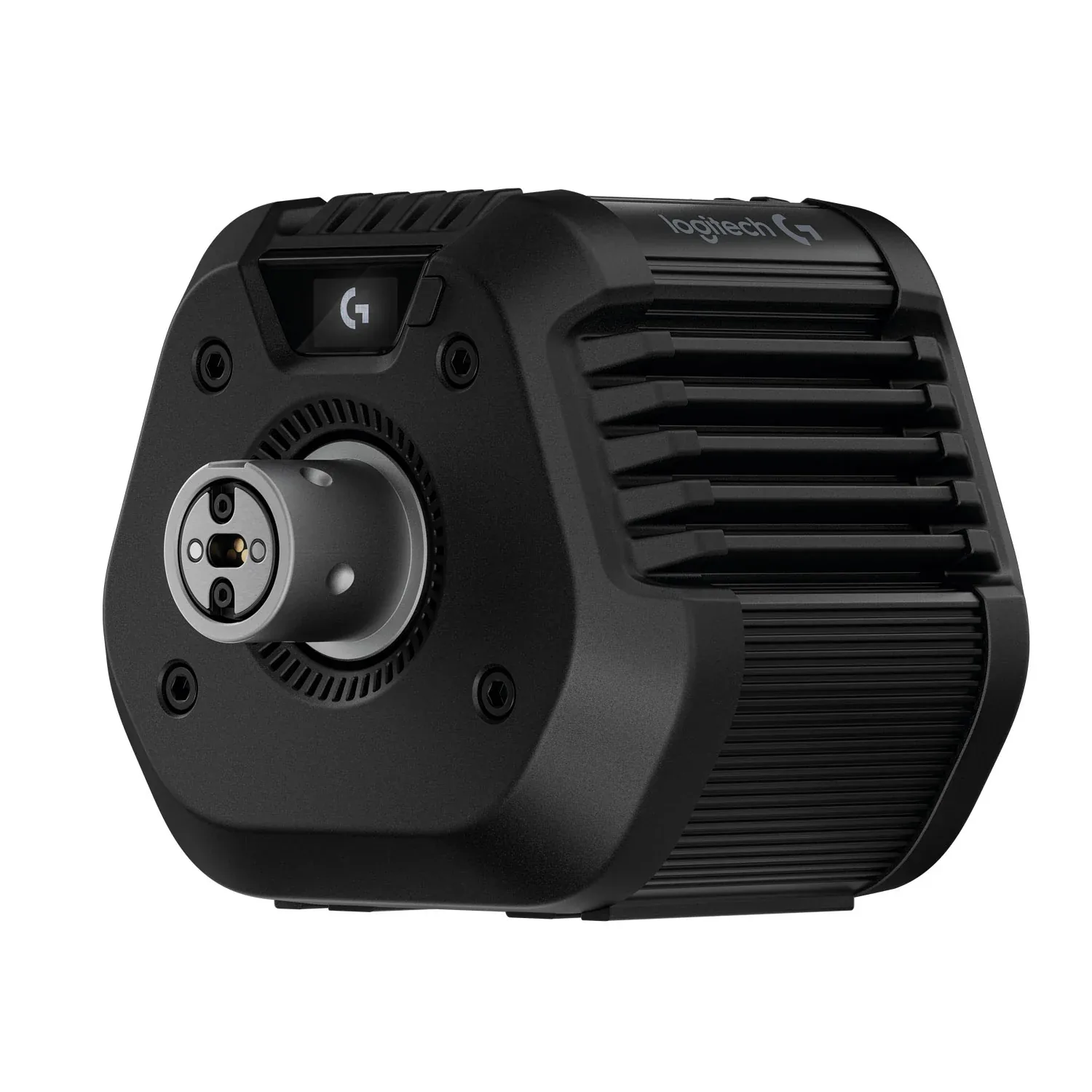
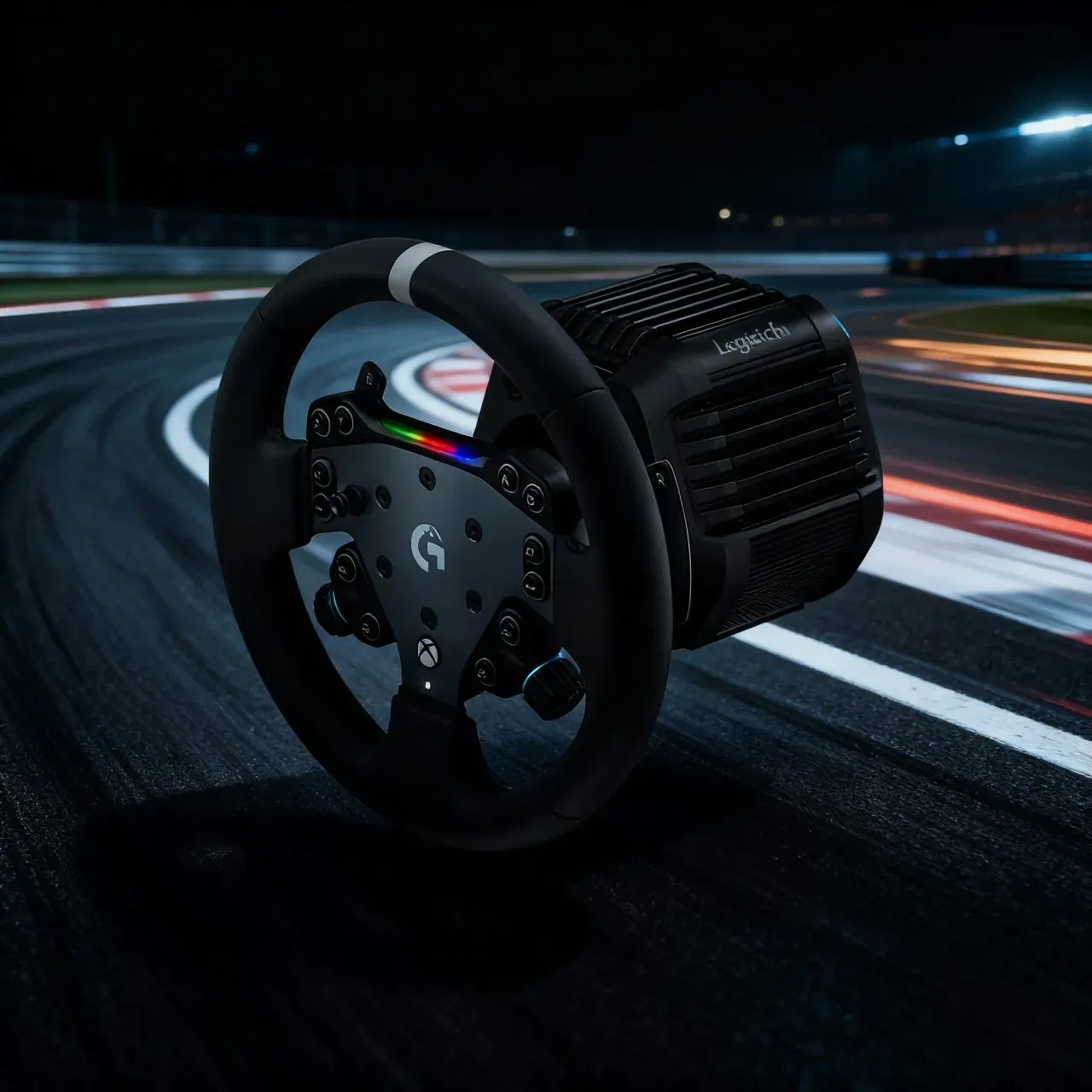
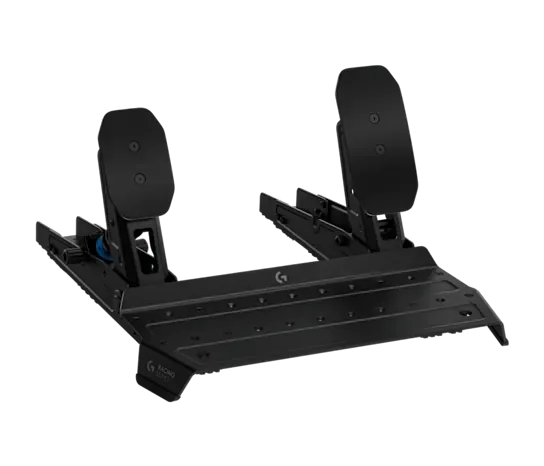
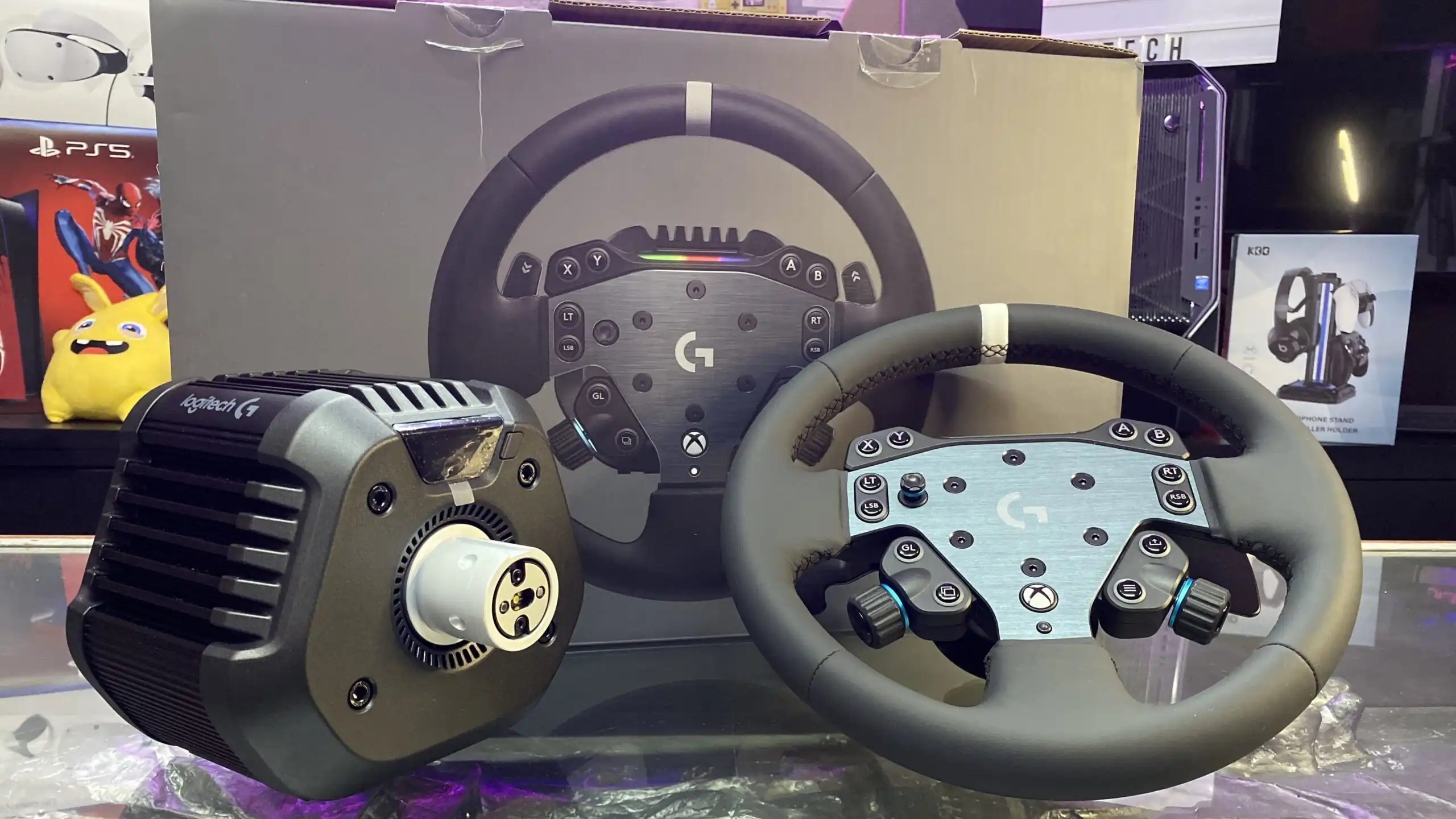
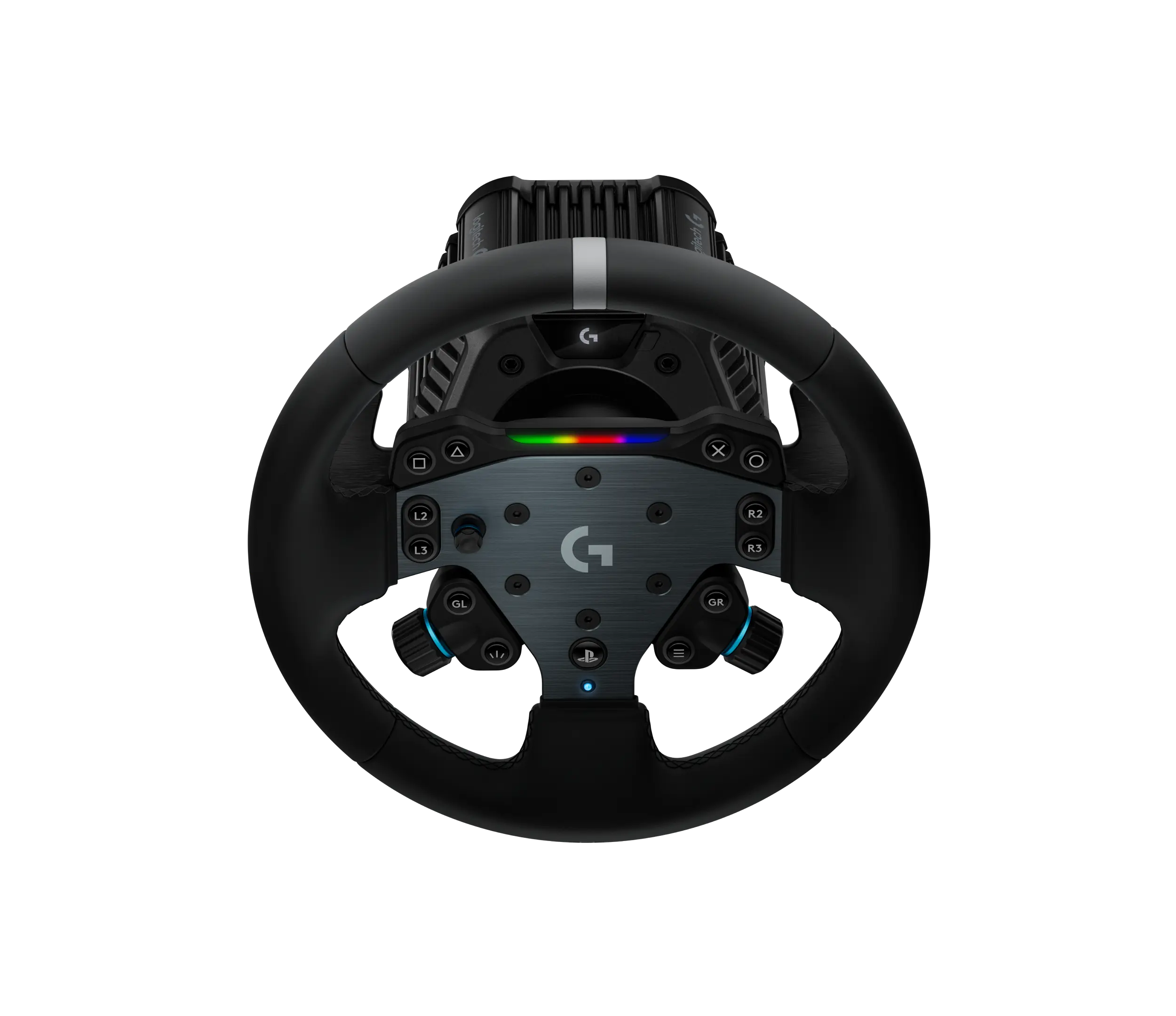
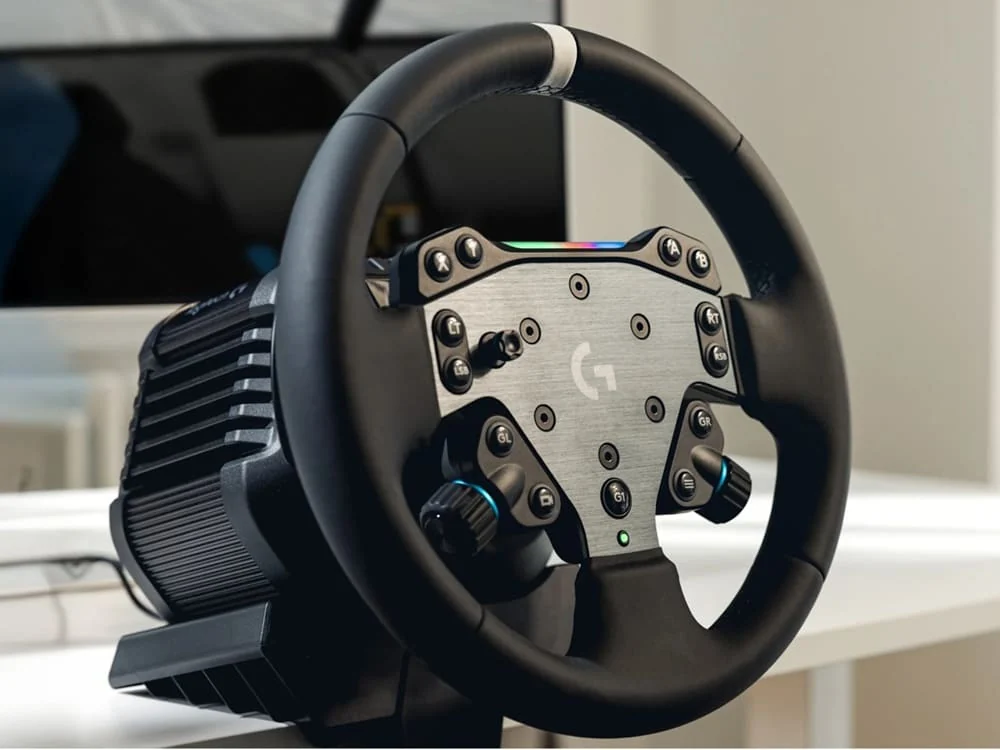
Unboxing Logitech G RS50 steering wheel
What I found when I took it out of the box was a metal block with angular lines, a front OLED screen and a minimal button panel to adjust the FFB and TRUEFORCE on the fly. There are no “soft” plastics in sight: you can feel the leap in class as soon as you touch it.
On track, the RS50 feels like a generational leap if you come from G29/G920/G923. The transition to Direct Drive brings smoothness, detail and control at the limit. Literally, “the level of detail was comparable to the Fanatec CSL DD and MOZA R9 I have on hand”, although TRUEFORCE gives it a point more “life” in compatible titles.
Buy Logitech G RS50
As you can see, this is a spectacular price for a DD steering wheel, but for the moment it is only available on the Logitech website.
Only available from Logitech!
Logitech RS50 Personal Review

Pros and Cons of the Logitech RS50 steering wheel
| Pros | Cons |
|---|---|
| Very cheap. | Hoop too small in my opinion of 28cm. |
| Force feedback Direct drive powerful and precise | For PS it is worth 100€ more |
| Very good quality leather ring. | |
| Rigid and durable aluminum construction quality | |
| Easy to install and put into operation. | |
| Very low price for its characteristics | |
| Good value for money |
Key specifications: 8 Nm, TRUEFORCE and construction
- Maximum torque: 8 N-m ( mid-range of the Direct Drive). In practice, it is enough for GT/mono cars without falling short.
- TRUEFORCE: extra vibration/telemetry layer. When I activate it, I notice how the vibrations reach the cockpit chassis; it adds immersion… as long as the game supports it.
- Construction: all-metal chassis with heatsink fins; bottom rail mounting with T-nuts (two plastic clips for easy alignment).
- Rear connectivity: power, three USB-A for accessories (pedals/shifter/handbrake), USB-C to PC/console and start/stop button.
- RS Round Wheel: 29 cm, aluminum rim with silicone leather coating, Logitech quick release, adjustable magnetic cams ±12 mm, joystick and two dials, RGB rev-lights.
- RS pedals: Hall sensor throttle; 75 kg load cell brake (adjustable from 1 to 75 kg from G HUB) with dampers/spacers for varying hardness; floor extenders and carpet clips.
Feelings: the FFB of the RS50 is very clean; I can read pianos, bumps and loss of grip without artificial “sawing”. With TRUEFORCE I hear/perceive more engine noise, but in return the dive goes up. The 75 kg brake gave me a much finer modulation than with input pedals.

Logitech GS50 pedals

The first thing that surprised me was the construction: they are all steel with a matte finish and zero creaking. They convey that feeling of a “serious” piece that you can squeeze without fear. The throttle uses Hall sensor, so the reading is clean and stable; the stroke is smooth and comes back with constant force, no weird dead zones. It has no angle adjustment, but it does have plate height adjustment, enough to find a comfortable position.
The protagonist is the 75 kg load cell brake. This is where, in my experience, the real leap compared to normal spring pedals is noticeable. Being able to set the braking force between 1 and 75 kg on the G HUB allowed me to adapt the feel to the car and the day: for GT I started at ~40 kg and went up when I wanted to tighten references. In addition, the system of spacers and dampers lets you customize the mechanical hardness: with stiffer combination, the second pedal stroke is very similar to the “wall” feeling of a real car. The result is fine modulation, controlled trail braking and less silly lockup.
When mounted, they are grateful. If you go without a cockpit, the extenders prevent them from tipping over when you brake hard; and if you have carpet, the spikes grip well. The wiring between pedals is tidy with the included clips. With the pedals connected directly to the PC, G HUB displays separate curves and sensitivities (throttle/brake/clutch if you add it); with the pedals connected to the base, what you see is the integrated brake force adjustment. I like to leave the throttle in linear and play with the progressivity only on the brake.
Downsides? I miss the throttle angle adjustment and, if you use them on smooth ground without an extender, they can move a little under heavy braking. Otherwise, they are precise, solid and consistent with a DD base. If you come from entry-level pedals, the load cell changes the way you brake from the first session. For me, they are worth the jump.
Versions, bundles and prices (Base vs. System, pedals and accessories)
Logitech markets the RS50 in various combinations:
- Base RS50 (PC) ~ 399 $.
- Base RS50 (PS/PC) ~ 499$ (includes PlayStation security chip).
- Bundle Aro + Base (Xbox/PC or PS/PC) ~ 999 $.
- RS pedals ~ 199 $ (+ optional clutch for 60 $).
Practical tip: if you start with a desk, include a table clamp that opens >5 cm; it holds firmly, but has no tilt. I used it and, although it holds, in the long run it compensates for a racing stand with chair support.
What comes in the box (typical system):
- RS50 base + RS50/RS Round Wheel ring.
- USB-A to USB-C cable, power adapter, hardware, T-nuts with clips, stickers and documentation.
- RS pedals (if included in the pack): wiring, extenders, carpet clips, spacers/dampers and hardware.
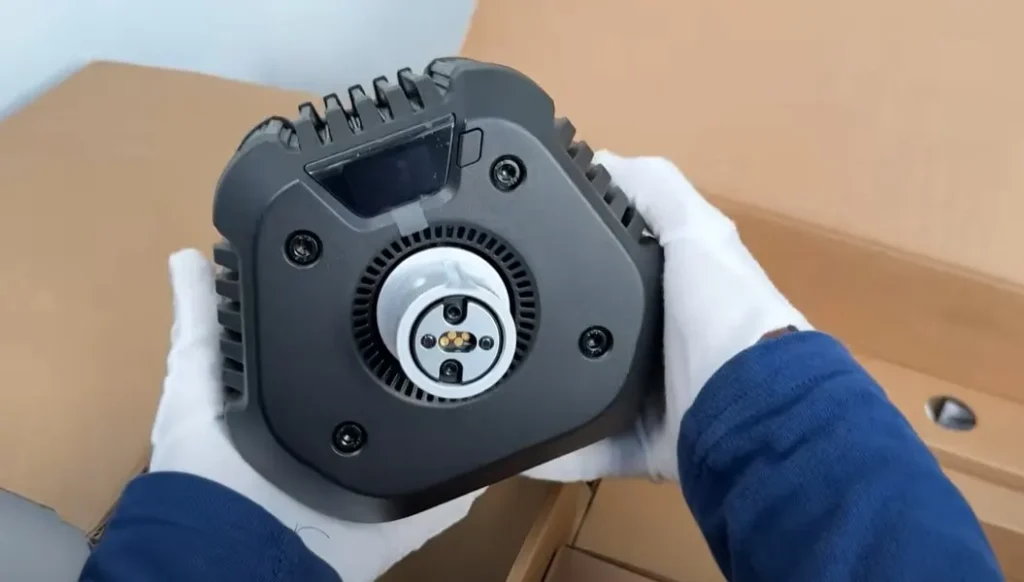
Real compatibility: PC, PS5, Xbox and hubs role
Here Logitech has been consistent with its ecosystem:
- Two bases:
- PC-Only.
- PS/PC (carries the PS chip).
- Xbox: the support is in the ring/hub. If you want a triple platform, buy the PS/PC base and add the Xbox Wheel Hub; this way you cover PC + PS + Xbox as I do.
Compatible accessories:
- RS Shifter & Handbrake.
- Pro Pedals / Pro Wheel (mixable with RS50/RS Pedals).
- G29/G920/G923 pedals via Racing Adapter (with dial to adjust the “equivalent” load cell pressure).
Compatibility mode: the base allows to switch between RS50 and PRO for “finicky” games. For example, in Assetto Corsa Competizione (PC), while they fix the “one-to-one” of the turn, I raised the scale to 200% and that’s it.
Desktop and cockpit mounting: practical tips
- Desk:
- Screw the clamp to the base with four screws.
- Open the clamp, center and tighten. Do not flex if your table is rigid.
- Pedals on the floor: use extenders to prevent them from tipping over; if you have a wall nearby, turn them around to use them as a stop.
- Cockpit:
- Insert T-nuts into the bottom rails ( clips prevent them from moving).
- Presents and screws from below.
- Cable accessories to the rear USB-A and host via USB-C.
G HUB (PC): save profiles in the internal memory of the base/pedals. I adjust: range, damping, FFB filter, TRUEFORCE; in pedals, sensitivity and brake force. For the brake, I like to start at 35-45 kg and go up according to the car.
See the best car simulators
Track feel: how the RS50 pushes (and where TRUEFORCE looks)
Going in depth: after several hours on PS5 Pro and PC, the RS50 left me with three headlines:
- Consistent and docile FFB: in fast cornering I can “rest” my arms; the grip reading is natural, with no steps.
- TRUEFORCE with sparkle: when I activate it I feel vibrations that go through the cockpit; it’s not marketing, it does add immersion… if the game supports it.
- Real pedals: the 75 kg load cell allows me to set references and dose in trail braking without hysteresis or strange flexing.
Rivals? Fanatec CSL DD and MOZA R9: the detail seems to me of the same platoon; with TRUEFORCE the RS50 “breathes” more in compatible titles. In noise, the RS50 is very quiet without TRUEFORCE and audible with it (normal because of the extra vibration).
Quick comparison: RS50 vs Fanatec CSL DD vs MOZA R9
| Model | Approx. pair | General Feeling | Ecosystem | Approximate price*. |
|---|---|---|---|---|
| Logitech RS50 | 8 N-m | Smooth, detailed; TRUEFORCE adds immersion | Solid but slower in new features | 699$ (without pedals) |
| Fanatec DD Pro | 5-8 N-m (with boost) | Detailed, very extended in leagues | Very wide (hoops/shifters/pedals) | 799$ (8 NM) |
| MOZA R9 | 9 N-m | Direct, punchy | Spacious and expanding | 764$ |
*Prices depend on promos and bundles.
My reading: if you value out-of-the-box immersion and console/PC compatibility, the RS50 shines. If you prioritize hoop variety/constant upgrades, Fanatec/MOZA are still strong.
Logitech G RS50 vs Fanatec DD Pro vs Moza R9
Logitech G RS50

Fanatec DD Pro

Moza R9 Bundle
If you want to see a steering wheel comparable to the Logitech G RS50 for a low price you can check out the Fanatec CSL DD.
See the best PS5 steering wheels


